
Download Tina POS – POS terminal, touchscreen interface, inventory management, barcode scanner, ticket printer, multi-user accounts, Java-based, retail, hospitality, business operations
Overview
Tina POS is a Java-based mobile point-of-sale terminal designed for streamlined business operations across retail and hospitality environments. Built with a focus on usability, the application leverages a responsive touchscreen interface to simplify transaction processing, inventory tracking, and staff management. Its primary purpose is to serve as a versatile, scalable solution for small to medium-sized enterprises seeking to digitize and organize their sales workflows. By integrating essential tools like inventory management and multi-user access, Tina POS aims to reduce manual errors, improve operational efficiency, and support real-time decision-making.
The app targets business owners, retail managers, and service providers who require a lightweight yet functional POS system without the complexity of enterprise-grade software. While the developer, Tinapa, has not disclosed additional background or history, the application’s technical foundation in Java suggests a focus on cross-platform compatibility and long-term maintainability. Real-world use cases include quick-service restaurants, boutique shops, and small kiosks where fast, accurate sales processing and inventory visibility are critical. Despite being in an early development phase, Tina POS represents a foundational step toward accessible digital operations in underserved markets.
Key Features & Functionality
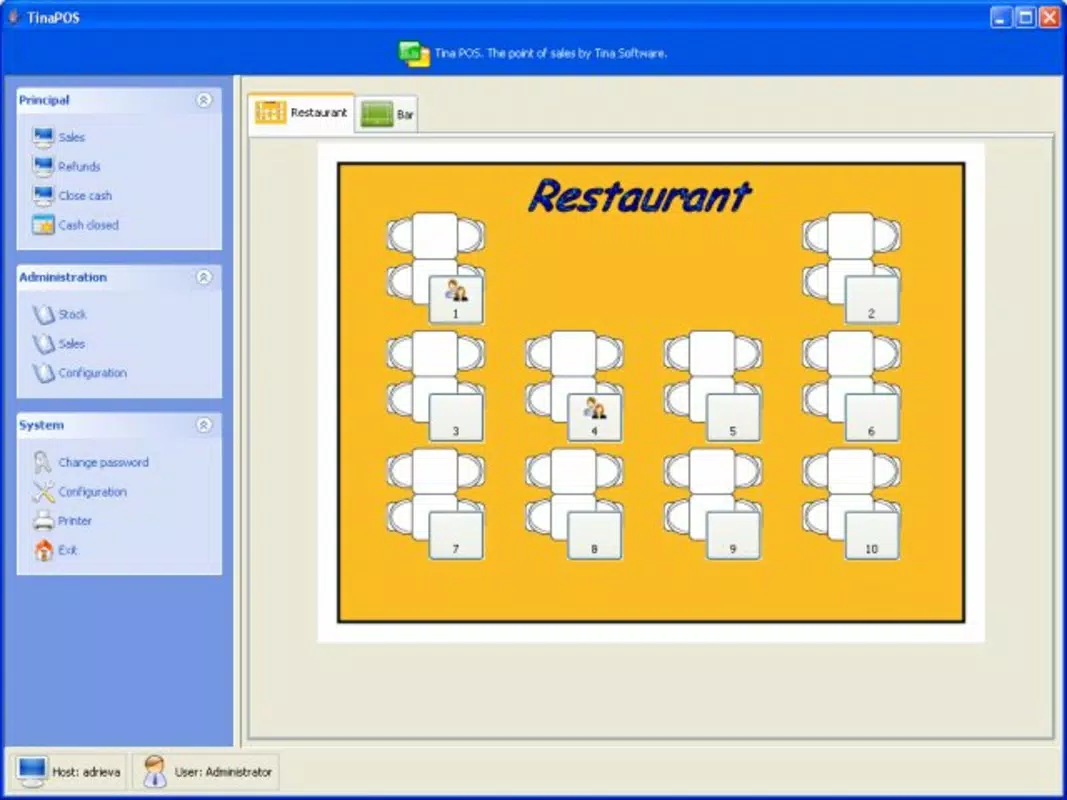
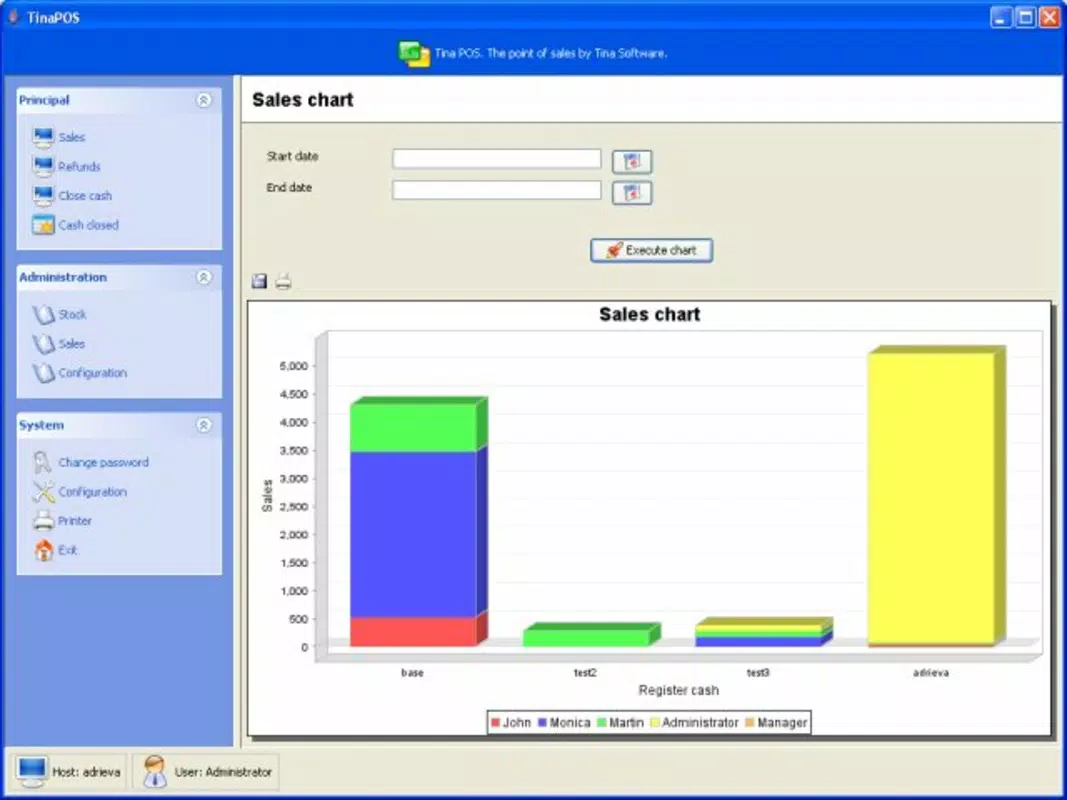
- Touchscreen Interface: The application features a clean, intuitive touchscreen layout designed for rapid navigation and minimal training time. Users can initiate sales, process returns, and access reports with just a few taps, making it ideal for fast-paced environments where speed and accuracy are essential.
- Peripheral Support: Tina POS integrates with a range of hardware peripherals, including ESC/POS ticket printers, barcode scanners, and customer displays. This allows businesses to build a customized setup that matches their operational needs, whether for a coffee shop, retail store, or small hotel front desk.
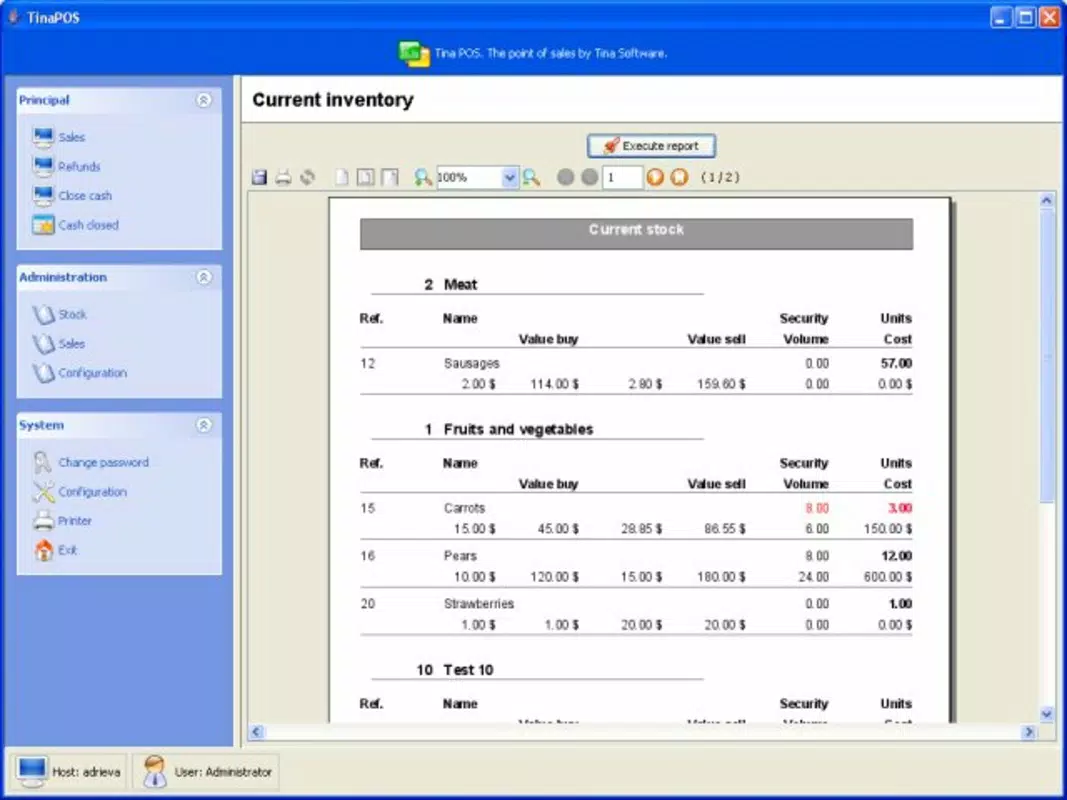
- Inventory Management: The system enables users to track product stock levels, add new items, and update pricing in real time. This functionality helps prevent overselling and supports better procurement planning, especially for businesses with high turnover or seasonal inventory.
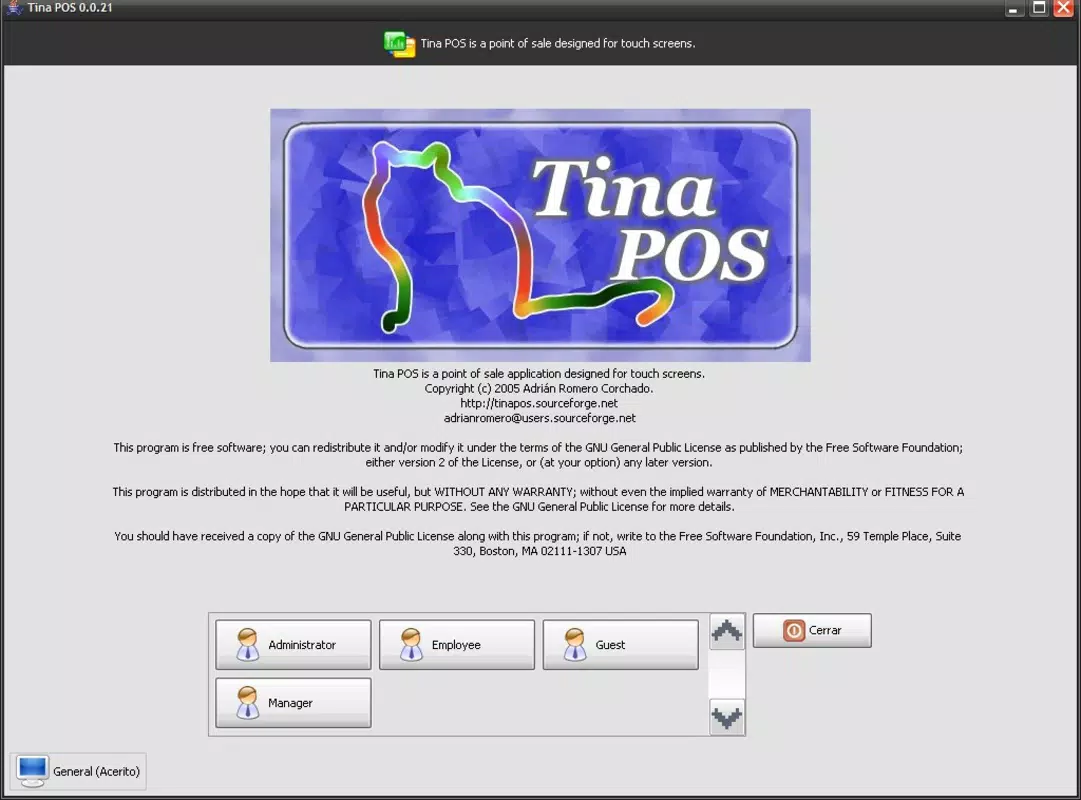
- Multi-User Accounts: A role-based access system supports administrator, employee, director, and guest profiles. Each role has predefined permissions, ensuring that sensitive functions like price adjustments or data exports are restricted to authorized personnel only.
- Early Development Phase: While core features are present, the application is still evolving. Some functions may not be fully operational, and users should expect ongoing updates that will expand capabilities and improve stability over time.
For example, a small café could use Tina POS to scan drinks via barcode, print receipts via a connected printer, and automatically deduct stock upon sale—all through a single interface. Similarly, a boutique might leverage the multi-user system to assign different access levels to part-time staff and managers, ensuring data integrity and accountability.
Interface, UX & Performance
The user interface of Tina POS is designed with simplicity and efficiency in mind. The layout emphasizes large, clearly labeled buttons and logical navigation paths, minimizing the learning curve for new users. Visual cues and consistent feedback during transactions enhance the overall user experience. The touchscreen responsiveness is optimized for common Android devices, though specific performance benchmarks were not provided by the developer.
Navigation flows are straightforward, guiding users through sales, inventory adjustments, and reporting with minimal backtracking. The app maintains a stable state across typical usage scenarios, although the developer did not list formal performance metrics or device compatibility thresholds. Users can expect smooth operation on mid-range Android smartphones and tablets, particularly those with screens of 5 inches or larger. While the app’s stability during extended use has not been verified, its lightweight size of 35.4 MB suggests efficient resource utilization.
Platform Compatibility & Technical Requirements
Tina POS is available exclusively on the Android platform. The current version is 1.0.1, with a file size of 35.4 MB, indicating a lightweight footprint suitable for devices with moderate storage capacity. The application is free to download and install, making it accessible to budget-conscious businesses. However, the developer did not specify minimum OS requirements or hardware specifications, so compatibility with older Android versions or low-end devices remains uncertain.
Users are advised to ensure their device supports touchscreen functionality and has sufficient RAM to run the app smoothly. Given that the app is built in Java, it may be compatible with a broad range of Android devices, though this has not been officially confirmed. For optimal performance, a device running Android 6.0 (Marshmallow) or higher is recommended, though this is not explicitly stated.
Pros and Cons
Pros
- Intuitive touchscreen interface suitable for users of all experience levels
- Supports essential peripheral devices like ticket printers and barcode scanners
- Includes core features such as inventory tracking and multi-user access control
- Lightweight size (35.4 MB) ensures minimal storage impact
- Free to download and use, offering accessible entry into digital POS systems
Cons
- Application is in early development; some features may be limited or unstable
- Developer did not provide minimum OS or hardware requirements
- No official information on update frequency or long-term support
- Performance on low-end devices has not been verified
- Limited documentation or user guides available
FAQ
Is Tina POS available for iOS devices?
The app is currently available only on Android. No iOS version has been announced.
Can I use Tina POS with my existing printer and scanner?
Yes, the app supports ESC/POS ticket printers, barcode readers, and customer displays. Compatibility depends on the specific hardware model and connection method.
Is Tina POS safe to download and use?
As a free Android app, Tina POS is distributed through official channels. Users should download from trusted sources to ensure security and avoid modified versions.
How often are updates released?
Updates are expected, as the app is still in development. However, the release schedule has not been disclosed by the developer.
Can I customize user roles beyond the default options?
The app includes predefined roles such as administrator, employee, director, and guest. Custom role creation has not been confirmed.
Final Thoughts
Tina POS presents a promising foundation for small businesses seeking a low-cost, functional point-of-sale solution. Its touchscreen interface, peripheral integration, and inventory tools offer tangible value in retail and hospitality settings. While still in its early stages, the app’s commitment to usability and scalability positions it as a viable option for entrepreneurs exploring digital operations. With ongoing development and potential future enhancements, Tina POS could evolve into a robust, feature-rich tool. For those in need of a simple, secure, and free POS terminal, the current version delivers meaningful functionality.
Download Tina POS now


